Imagine this, you just bought a new phone. You're excited to set it up,but as soon as you open the box, you realize you don't have the tiny SIM ejector tool. You try to poke it with a pin, bend a clip, or ask someone for help.
Sounds familiar?
Now imagine skipping all of that.
No SIM tools.
No plastic cards.
No store visits.
Just scan a QR code, tap "Activate," and your phone is connected to thenetwork in minutes.
Hey, it is not a magic world, it's the world of eSIMs.A simple, smart, and digital way to stay connected.
In this guide, you'll learn:
- What an eSIM means
- How it works
- Why people are switching to it
- How to set it up easily on your phone
- And how it can help you even when you travel abroad
Let's begin!
What is an eSIM?

Let's keep it very simple.
An eSIM (embedded SIM) is a digital version of your SIM card. You don't need to insert or remove any physical card. You just activate it online, and your mobile connection starts working instantly.
Let me explain this with a real-world example.
Do you remember how we used to buy CDs to listen to music?
But now we just stream Spotify
eSIM is the Spotify of SIM cards digital, instant, and way more convenient.
Earlier, you had to buy a SIM card from a store and place it in the SIM tray.Now, if your phone supports eSIM functionality, it can download the SIM profile directly and run it on a tiny chip already built into your device without any physical card.
This means you can have multiple mobile networks, like Airtel, Jio, or even a travel plan for Europe, all on one device, and switch between them with just a few taps.
In short:One phone. Many networks. Zero trouble.
No SIM ejector tools, no swapping, no stress.
How does an eSIM work?

Okay, you might be thinking,"If there's no physical card, how does it actually work?"
Here's how it happens in four easy steps:
- Step 1:Choose your mobile provider (like Airtel, Jio, Vi, or any travel eSIM app).
- Step 2:Buy a plan that fits your needs: data, calls, validity, etc.
- Step 3:Scan a QR code or enter the code on your phone.
- Step 4:You're connected!
That's it. Seriously.
The eSIM uses the same mobile networks as your regular SIM card. The only difference? You don't need to visit a store or handle any physical chips. It's all digital.
Physical SIM vs. eSIM activation
| Traditional SIM | eSIM |
|---|
| Buy SIM card at store | Buy plan online |
| Insert card manually | Scan QR code |
| Wait for activation | Instant activation |
| Risk losing the card | No physical card to lose |
Pretty clear who wins here, right?
Why people are switching to eSIMs

Till now we've understood what an eSIM is, how it works and is a better alternative to physical SIMs.
Let's look at how eSIMs are becoming popular among smartphone users in 2025.
You don't need to change SIM cards
Ever switched phones and struggled to find your tiny SIM tool?
Everything happens online.
You just scan a code, follow a few steps, and boom, you're connected.
Whether you're at home, at the office, or even traveling, your phone gets a signal instantly.
Your data will be safe and more secure
Physical SIM cards can be stolen, cloned, or misplaced.
eSIMs, on the other hand, are built into your device, so they can't be removed or copied easily.
Plus, they use encryption and can be deactivated remotely if your phone is lost, making them much safer.
You make Earth a little happier
Every year, billions of plastic SIM cards are manufactured and thrown away. eSIM eliminates that waste entirely. No plastic packaging, no shipping, no trash, no environmental impact.
If you care about clean and green travel, eSIM is the best choice.
You can wander freely across countries
If you travel abroad, eSIMs make life even easier.
You don't have to buy new SIM cards in every country or pay high roaming fees.
You can simply add a travel eSIM plan and get internet access the moment you land.
We'll talk more about this later, but yes, this is where Velome really shines.
How to set up an eSIM (step-by-step)

Alright, let's get practical. Here's exactly how you set up an eSIM on your phone.
Step 1: Check if your phone supports eSIM
Not every phone supports eSIM yet.
Check if yours does. Here's the quick list:
- iPhones:iPhone XS, XR, 11, 12, 13, 14, 15, 16, 17, SE (2020 & 2022), and all Pro models
- Samsung: Galaxy S20, S21, S22, S23, S24, S25 series, Galaxy Z Fold/Flip series, Galaxy A54, A55
- Google Pixel:Pixel 3 and newer (Pixel 4, 5, 6, 7, 8, 9)
- Other brands:OnePlus, Motorola Razr, Nothing Phone, select Oppo and Xiaomi models
To check if your phone supports eSIM:
- Go to Settings ? About Phone ? EID.

- Or dial *#06# and look for the EID number on the screen.

If you see a 32-digit EID number, your phone supports eSIM.
Step 2: Pick a plan from eSIM provider
Choose where you are and what kind of plan you need: daily, weekly, or monthly.
Most providers (Airtel, Jio, Vi) now offer eSIM activation through their apps or websites.
If you want a global connection for travel, you can also explore services likeVelome,Airalo, or Holafly.
Step 3: Scan the QR code
After buying, you'll get a QR code via email or in the app.
Open your phone's Settings ? Mobile Network ? Add eSIM, scan the QR code, and follow the prompts.
For iPhone:
Settings ? Cellular ? Add eSIM ? Scan QR Code
Guide: How to Manually Install and Activate an eSIM on Your iPhone | Step-by-Step Tutorial #esim - YouTube
For Android:
Settings ? Connections ? SIM Manager ? Add eSIM ? Scan QR Code
Complete Guide: How to Manually Install and Activate an eSIM on Android | No QR Code Needed #esim - YouTube
Step 4: Turn on mobile data
After installing the profile, activate it, turn on mobile data, and you're live!
Pro tip:
Always activate your eSIM while connected to Wi-Fi. It's faster and avoids setup issues.
eSIM vs. physical SIM: What's better in 2025?
Let's settle this once and for all.
eSIM vs. physical SIM: What's better in 2025?
Let's settle this once and for all.
| Feature | eSIM | Physical SIM |
|---|
| Setup Time | Quick — usually 30 minutes or less | Can take up to 24 hours (depending on activation) |
| Switching Network Operators | Very flexible — many phones support up to 8 eSIM profiles (with 2 active at once) | Limited to 1–2 SIM slots only |
| Lost SIM Risk | None | Possible |
| Security | High — cannot be cloned or removed | Low — physical SIMs can be lost or cloned |
| Eco-Friendly | Yes — no plastic, no packaging waste | No — plastic-based and disposable |
In short:
If you use a smartphone in 2025, switching to eSIM will save you time, effort, and stress.
Physical SIMs still work, but eSIMs are the future.
Best eSIM providers in India (and beyond)
Here're some of the top eSIM providers you can use, both in India and internationally.
Airtel

Airtel offers eSIM support for both prepaid and postpaid users. You can activate it through the Airtel Thanks app or by sending an SMS request.
Jio

Jio also supports eSIM on most modern smartphones. You can activate it through the MyJio app or by visiting a nearby Jio store.
Vi (Vodafone Idea)

Vi customers can switch to eSIM using their online form or through customer care support
Velome

If you travel abroad for work, study, or vacation, Velome is designed for you.
It helps Indian users stay connected in over 200+ destinations with unlimited data plans, transparent pricing in rupees, and a smooth setup process.
Other global options
Apps like Airalo, Holafly, Nomad, and Saily also provide eSIM plans for travelers, but pricing and features may vary.
Thinking about switching to an eSIM?
eSIMs aren't just for tech experts or frequent flyers, they're for everyone.
Whether you're upgrading your phone, switching networks, or just want a cleaner, faster setup, eSIM makes mobile connectivity simple and stress-free.
And if you ever travel abroad, whether today or in the future, that's where Velome can make your life easier.
Velome helps Indian users stay connected in 200+ destinations with unlimited data, simple setup, and clear pricing.
So even if you're not planning a trip right now, it's good to know you can stay connected anywhere, with just a quick scan.
Frequently asked questions about eSIMs (FAQs)
Can I use eSIM and physical SIM together?
Yes! Most modern phones support dual SIM functionality. You can keep your Indian SIM active for calls and SMS while using eSIM for data. This way, you won't miss important calls or OTPs from your bank.
Is eSIM available in India?
Absolutely. Major Indian carriers like Airtel, Jio, and Vi all support eSIM. You can convert your physical SIM to eSIM by visiting their website or app. However, eSIM services aren't available in some regions like Jammu & Kashmir, Himachal Pradesh, and North Eastern states yet.
Will I lose my WhatsApp number with an eSIM?
Nope! Your WhatsApp account is linked to your phone number, not your SIM card. As long as you don't manually change your WhatsApp number, all your chats and contacts stay exactly the same. WhatsApp just needs internet (Wi-Fi or mobile data) to work.
Do I need internet to activate an eSIM?
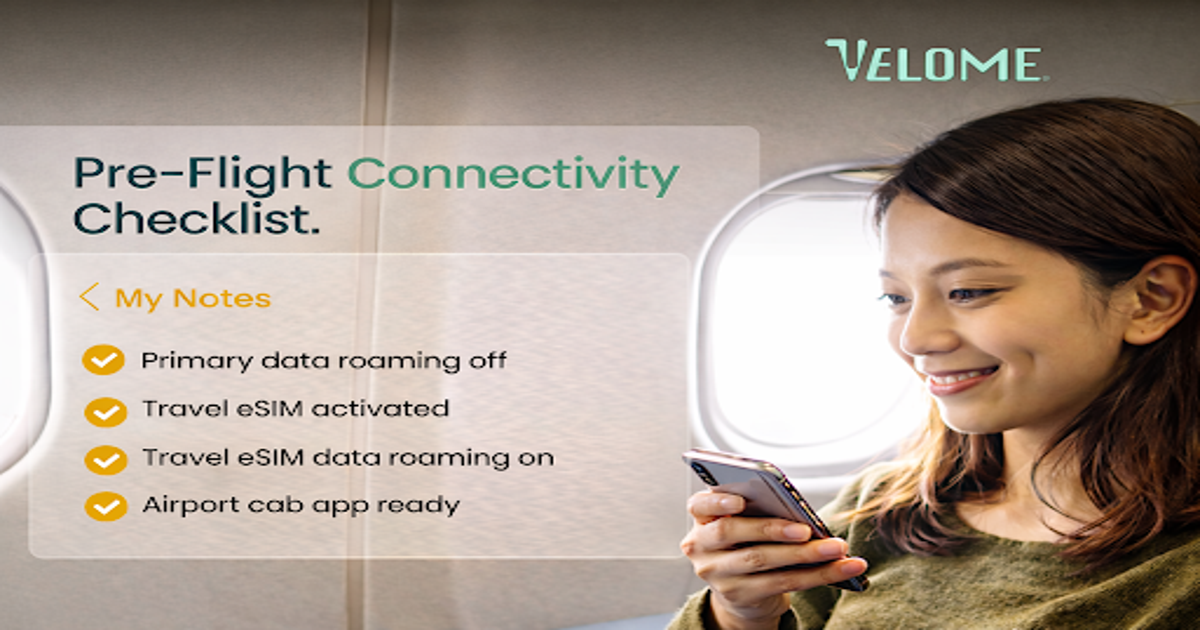
Yes. You need a stable Wi-Fi connection to download and install your eSIM profile. That's why it's best to set up your eSIM at home before travel, not at the airport.
What is the full form of an eSIM?
eSIM full form is Embedded SIM. It is a digital SIM built into your phone.
eSIM kya hai?
eSIM ek digital SIM hoti hai jo aapke phone ke andar hi hoti hai. Aapko physical SIM card change karne ki zarurat nahi padti.
Are eSIMs safe to use abroad?
Very safe. eSIMs actually offer better security than physical SIM cards. They use advanced encryption, can't be stolen or cloned, and are protected by biometric authentication on your phone. Plus, if your phone gets lost, your carrier can remotely disable your eSIM to prevent unauthorized access.