Have you just got a new phone? Or maybe you’re planning to buy one soon?
Cool!
Buying a new phone feels almost like getting ready for an exam.
You start checking everything: RAM, storage, camera, battery (especially if it’s an iPhone), and so many other features.
And just when you think you’ve seen it all, the mobile world adds more things like satellite connectivity, better battery and charging tech, and now the popular one – eSIM.
Now let’s talk about eSIM, because that’s what you’re here for.
You must be hearing this new word a lot – eSIM.
Your friends talk about it. You read about it on travel blogs. Even your mobile company’s website has a page about it.
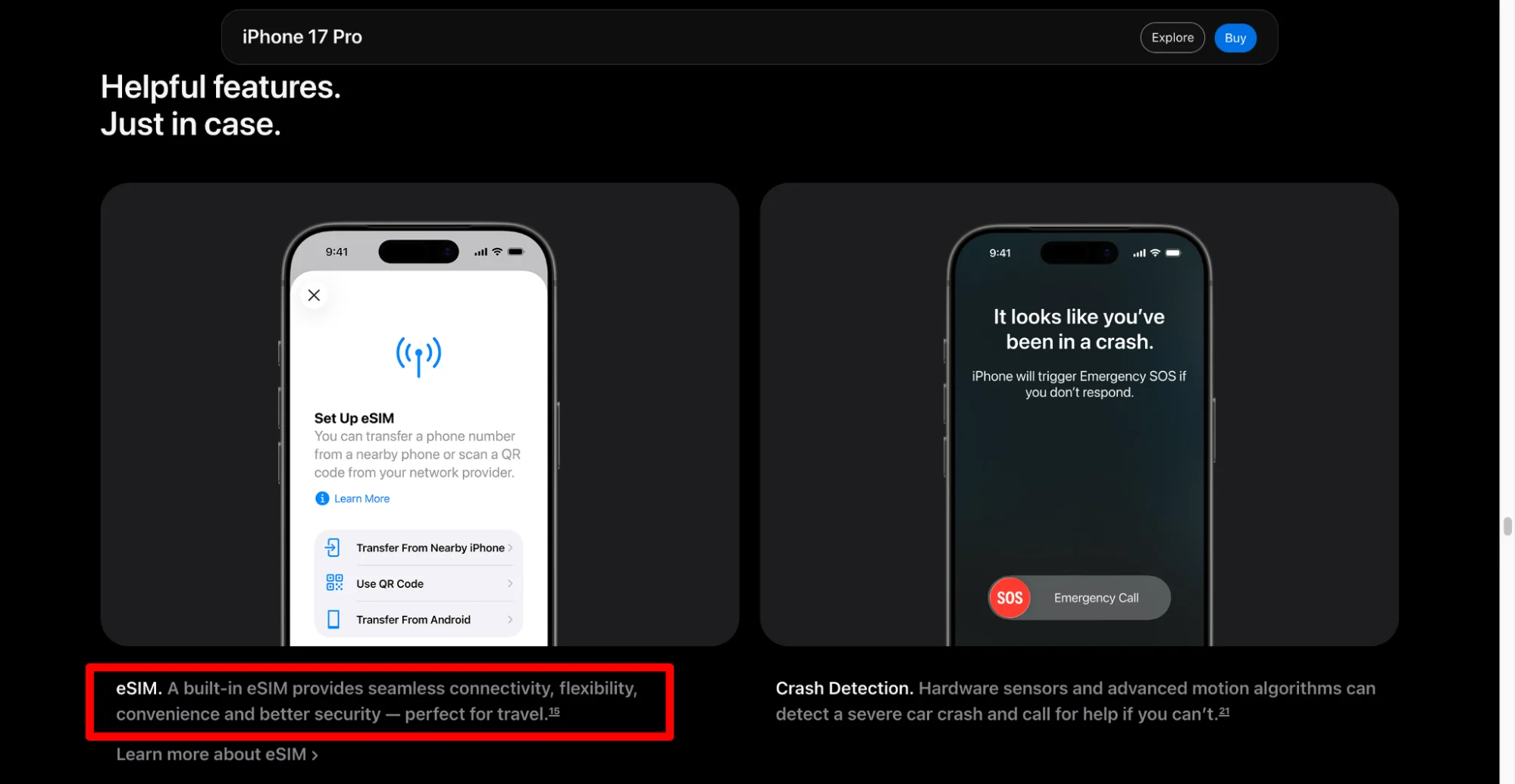
So you start thinking, “Does my new or current phone support eSIM? And if yes, how do I check it?”
That’s exactly what we’ll find out today.
Most people don’t know if their phone supports eSIM, so they keep using a physical SIM card. And every time they change their number or buy a new phone, they go through the same drama of finding the phone box to look for the pin only to be disappointed and settle for a safety pin as a hack for removing and inserting SIMs.
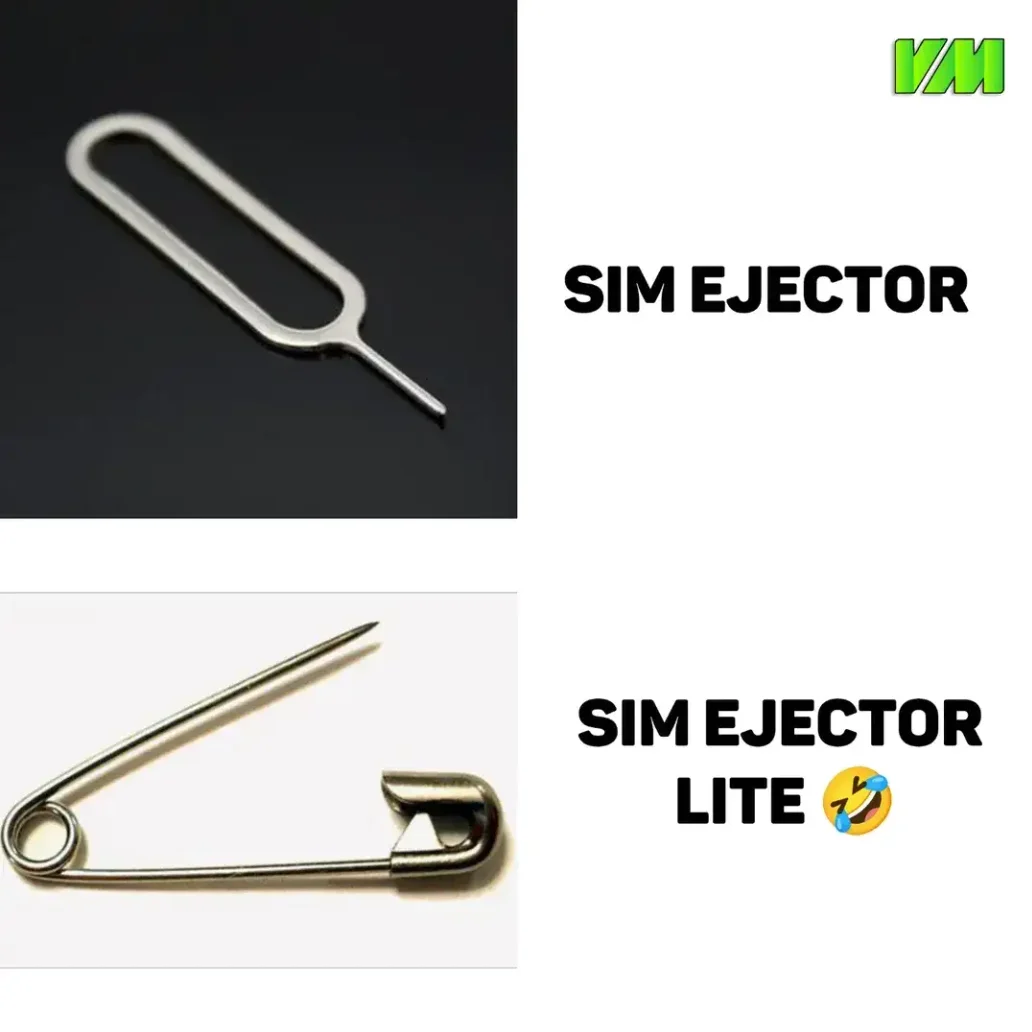
But if your phone supports eSIM (and it probably does), you can skip all that trouble.
In this guide, you’ll learn:
- Full list of phones that support eSIM (like iPhone, Samsung, Google, OnePlus, and more)
- How to check if your phone supports eSIM in just 30 seconds
Let’s get started!
How to check if your phone supports eSIM (quick method)
Universal method (works for all phones)
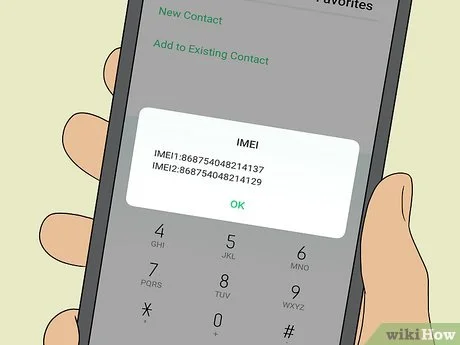
Dialer code method – This works on every iPhone and Android phone, regardless of settings menu names.
Step 1: Open your phone's Dialer/Phone app.
Step 2: Dial this code: *#06#
Step 3: Look at the information that appears.
How to read the result:
- If you see an EID (Embedded Identity Document) number listed along with the IMEI number(s) ? Your phone supports eSIM.
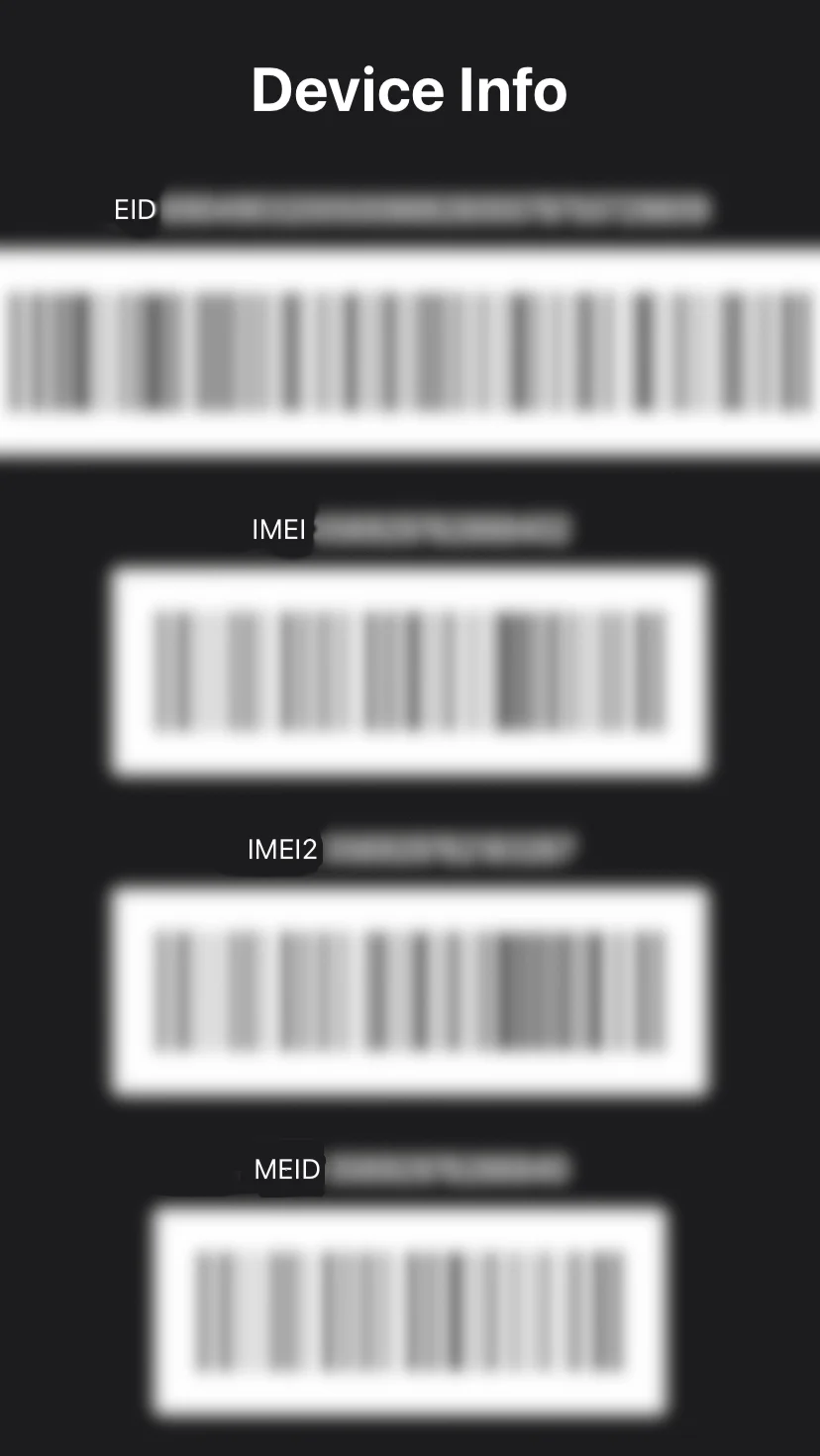
- If you see only IMEI number(s) and no EID number ? Your phone does NOT support eSIM.
For iPhone users
Step 1: Open Settings ? Cellular
Step 2: Look for “Add Cellular Plan” (or Mobile Data / Mobile Service) option
- If you see it ? Your iPhone supports eSIM
- If you don’t see it ? Your iPhone doesn’t support eSIM
Alternatively:
Go to Settings ? About ? Check your model number
- iPhone XS or newer ? Supports eSIM
- iPhone 8 or older ? Does NOT support eSIM
For android users (Samsung, Google Pixel, OnePlus, etc.)
Step 1: Open Settings ? Connections or Network & Internet
Step 2: Look for "SIM Manager" or "Dual SIM" option
Step 3: Check if it says:
- "Nano SIM + eSIM" or "eSIM capable" ? Your phone supports eSIM
- Only "Nano SIM" ? Your phone does NOT support eSIM
Alternatively:
Go to Settings ? About Phone ? Device Info
Look for any mention of "eSIM" or "Dual SIM support"
eSIM supported phones by brand
Check your phone below to see if it supports eSIM.
Update: Newly launched devices that support eSIM
| Phone | Release | eSIM Support |
|---|
| Google Pixel 9a | Oct 2024 | Yes |
| Samsung Galaxy S25 FE | Nov 2025 | Yes |
| Motorola Razr Ultra 2025 | May 2025 | Yes |
| Upcoming phones will be listed here | — | — |
iPhone – All eSIM supported models
| Series | Models |
|---|
| iPhone 16 Series (2024) | iPhone 16, iPhone 16 Plus, iPhone 16 Pro, iPhone 16 Pro Max, iPhone 16e |
| iPhone 15 Series (2023) | iPhone 15, iPhone 15 Plus, iPhone 15 Pro, iPhone 15 Pro Max |
| iPhone 14 Series (2022) | iPhone 14, iPhone 14 Plus, iPhone 14 Pro, iPhone 14 Pro Max |
| iPhone 13 Series (2021) | iPhone 13, iPhone 13 Mini, iPhone 13 Pro, iPhone 13 Pro Max |
| iPhone 12 Series (2020) | iPhone 12, iPhone 12 Mini, iPhone 12 Pro, iPhone 12 Pro Max |
| iPhone 11 Series (2019) | iPhone 11, iPhone 11 Pro, iPhone 11 Pro Max |
| iPhone SE | iPhone SE (2020), iPhone SE (2022) |
| iPhone XS Series (2018) | iPhone XS, iPhone XS Max, iPhone XR |
All iPhones from iPhone XS onwards support eSIM in India
Samsung – eSIM supported models
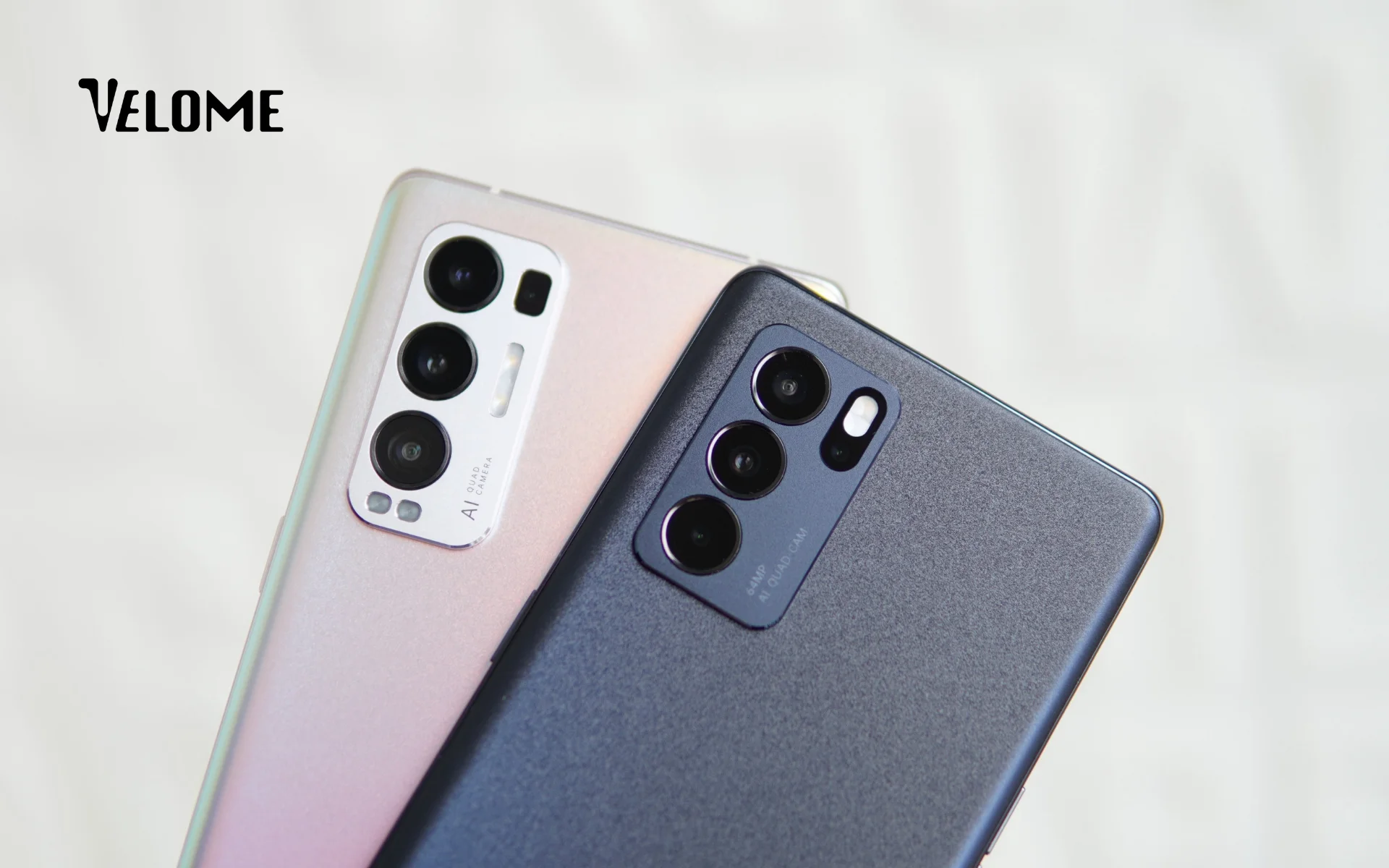
Galaxy S Series (Flagship)
| Series | Models |
|---|
| S25 Series (2025) | S25, S25+, S25 Ultra, S25 Edge, S25 FE |
| S24 Series (2024) | S24, S24+, S24 Ultra, S24 FE |
| S23 Series (2023) | S23, S23+, S23 Ultra, S23 FE |
| S22 Series (2022) | S22, S22+, S22 Ultra |
| S21 Series (2021) | S21, S21+, S21 Ultra |
| S20 Series (2020) | S20, S20+, S20 Ultra |
Galaxy Z Fold & Z Flip (Foldables)
| Type | Models |
|---|
| Z Fold Series | Z Fold7, Z Fold6, Z Fold5, Z Fold4, Z Fold3, Z Fold2 |
| Z Flip Series | Z Flip7, Z Flip7 FE, Z Flip6, Z Flip5, Z Flip4, Z Flip3 |
Galaxy A Series (Mid-Range)
| Series | Models |
|---|
| A50+ Series | A55, A56, A54, A35, A36 |
Samsung S20 and newer models support eSIM in India
Google Pixel – All eSIM supported

| Series | Models |
|---|
| Pixel 10 Series (2025) | Pixel 10, Pixel 10 Pro, Pixel 10 Pro XL, Pixel 10 Pro Fold |
| Pixel 9 Series (2024) | Pixel 9, Pixel 9 Pro, Pixel 9 Pro XL, Pixel 9 Pro Fold, Pixel 9a |
| Pixel 8 Series (2023) | Pixel 8, Pixel 8 Pro, Pixel 8a |
| Pixel 7 Series (2022) | Pixel 7, Pixel 7 Pro, Pixel 7a |
| Pixel 6 Series (2021) | Pixel 6, Pixel 6 Pro, Pixel 6a |
| Pixel 5 Series (2020) | Pixel 5, Pixel 5a |
| Pixel 4 Series (2019) | Pixel 4, Pixel 4 XL, Pixel 4a |
| Pixel Fold | Pixel Fold |
Google Pixel 4 and newer support eSIM
OnePlus – eSIM supported models
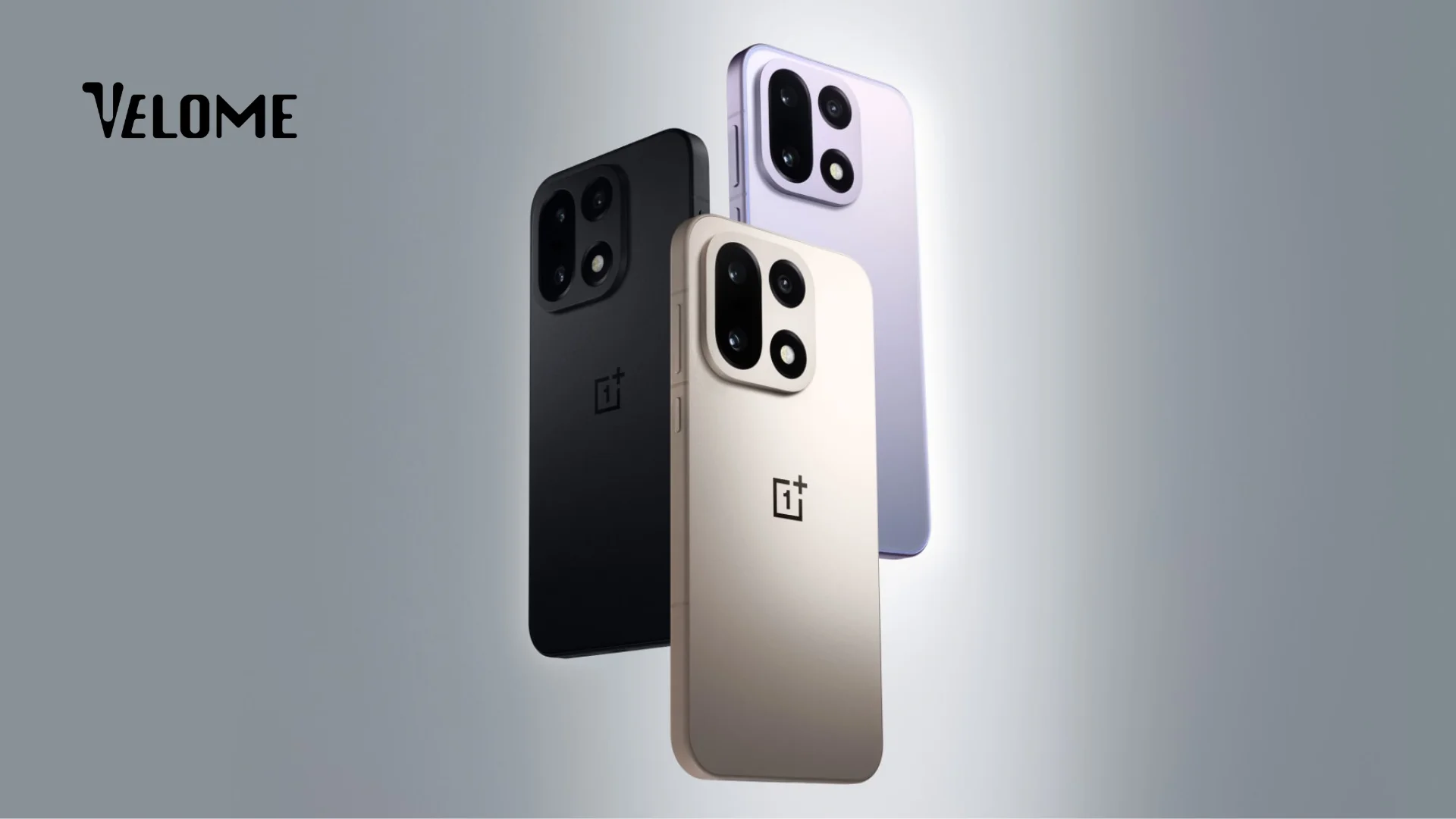
| Series | Models |
|---|
| OnePlus 13 Series (2025) | OnePlus 13, OnePlus 13 Pro |
| OnePlus 12 Series (2024) | OnePlus 12, OnePlus 12R |
| OnePlus 11 Series (2023) | OnePlus 11, OnePlus 11 Pro |
| OnePlus Open (Foldable) | OnePlus Open |
OnePlus 11 and newer support eSIM
Xiaomi – eSIM supported models
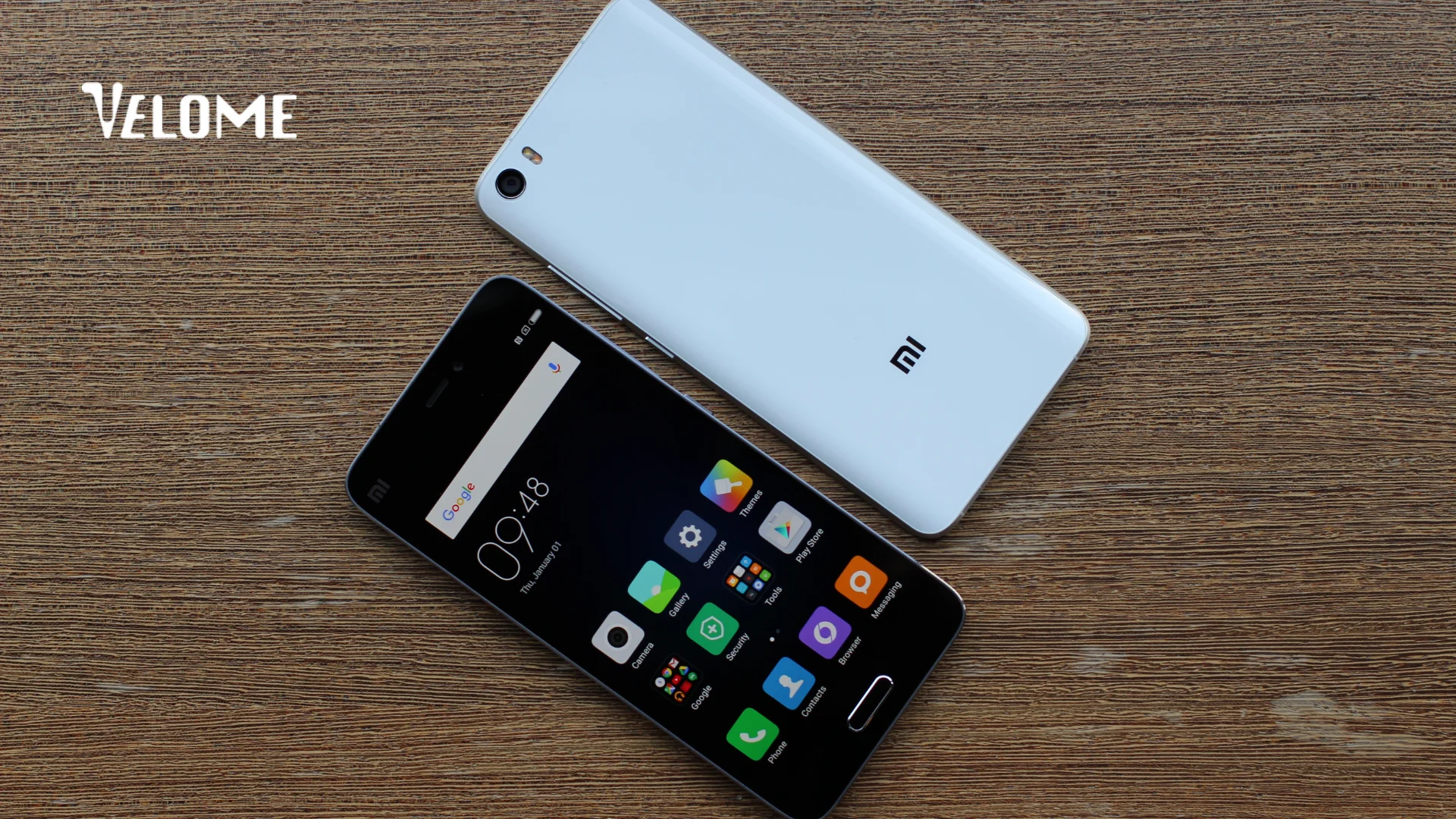
Xiaomi Flagship Series
| Series | Models |
|---|
| Xiaomi 15 Series (2025) | Xiaomi 15, Xiaomi 15 Ultra |
| Xiaomi 14T Series (2024) | Xiaomi 14T, Xiaomi 14T Pro |
| Xiaomi 14 Series (2023) | Xiaomi 14, Xiaomi 14 Pro |
| Xiaomi 13 Series (2022) | Xiaomi 13, Xiaomi 13 Pro |
Redmi Series
| Series | Models |
|---|
| Redmi Note 14 | Redmi Note 14 Pro, Redmi Note 14 Pro+ 5G |
| Redmi Note 13 | Redmi Note 13 Pro, Redmi Note 13 Pro 5G |
POCO Series
| Series | Models |
|---|
| POCO X7 | POCO X7, POCO X7 Pro |
Xiaomi 13 and newer support eSIM
Motorola – eSIM supported models
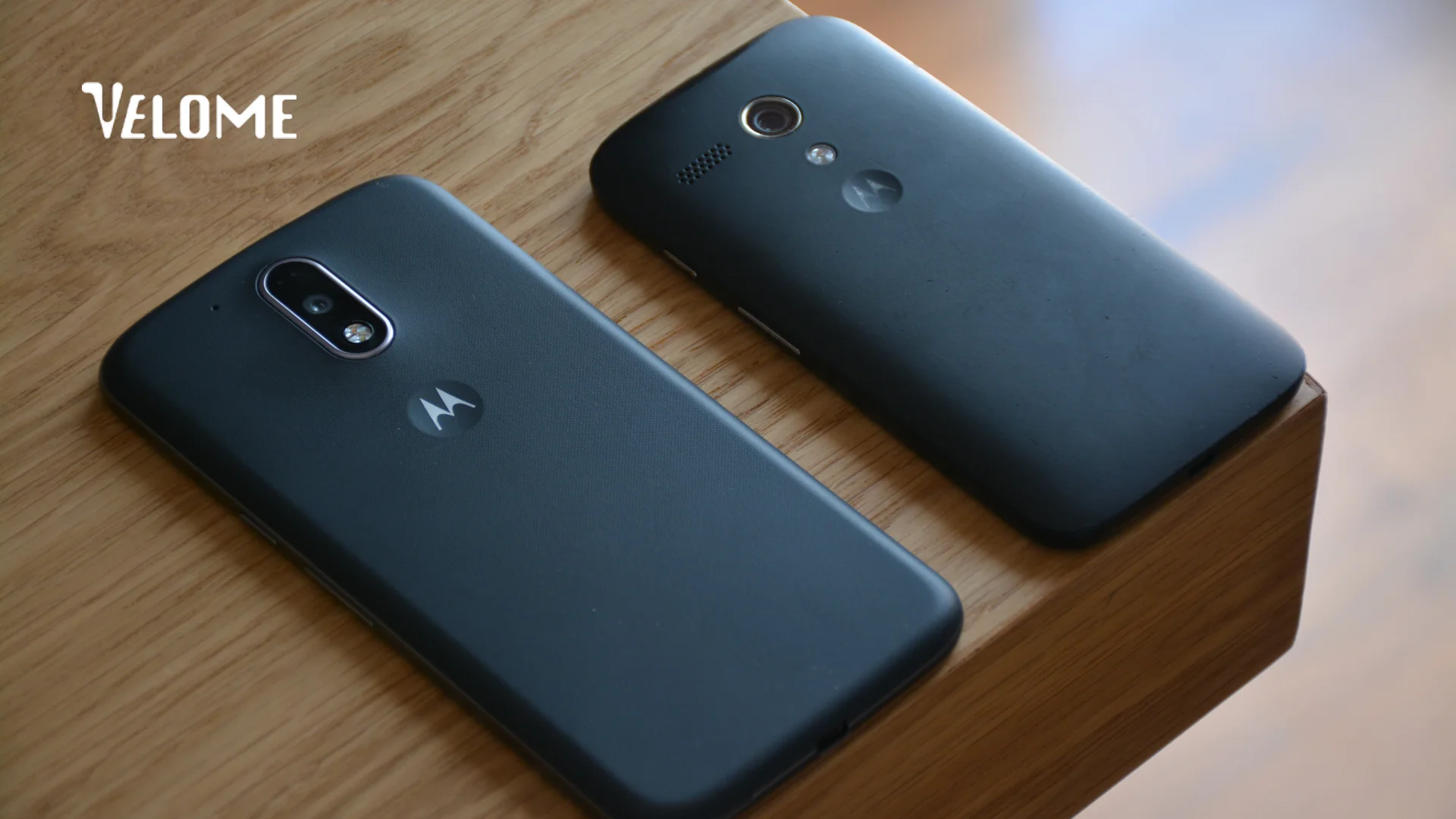
Razr Foldables
| Series | Models |
|---|
| Razr Ultra | Razr Ultra 2025, Razr Ultra 2024 |
| Razr (Standard) | Razr 2024, Razr 2023 |
Edge Series
| Series | Models |
|---|
| Edge 60 Series | Edge 60, Edge 60 Pro, Edge 60 Fusion |
| Edge 50 Series | Edge 50, Edge 50 Pro, Edge 50 Fusion, Edge 50 Ultra |
| Edge 40 Series | Edge 40, Edge 40 Pro |
Moto G Series
| Series | Models |
|---|
| Moto G 2024–2025 | Moto G85, Moto G84, Moto G75, Moto G55, Moto G54 |
Motorola Edge 40 and newer support eSIM
OPPO – eSIM supported models
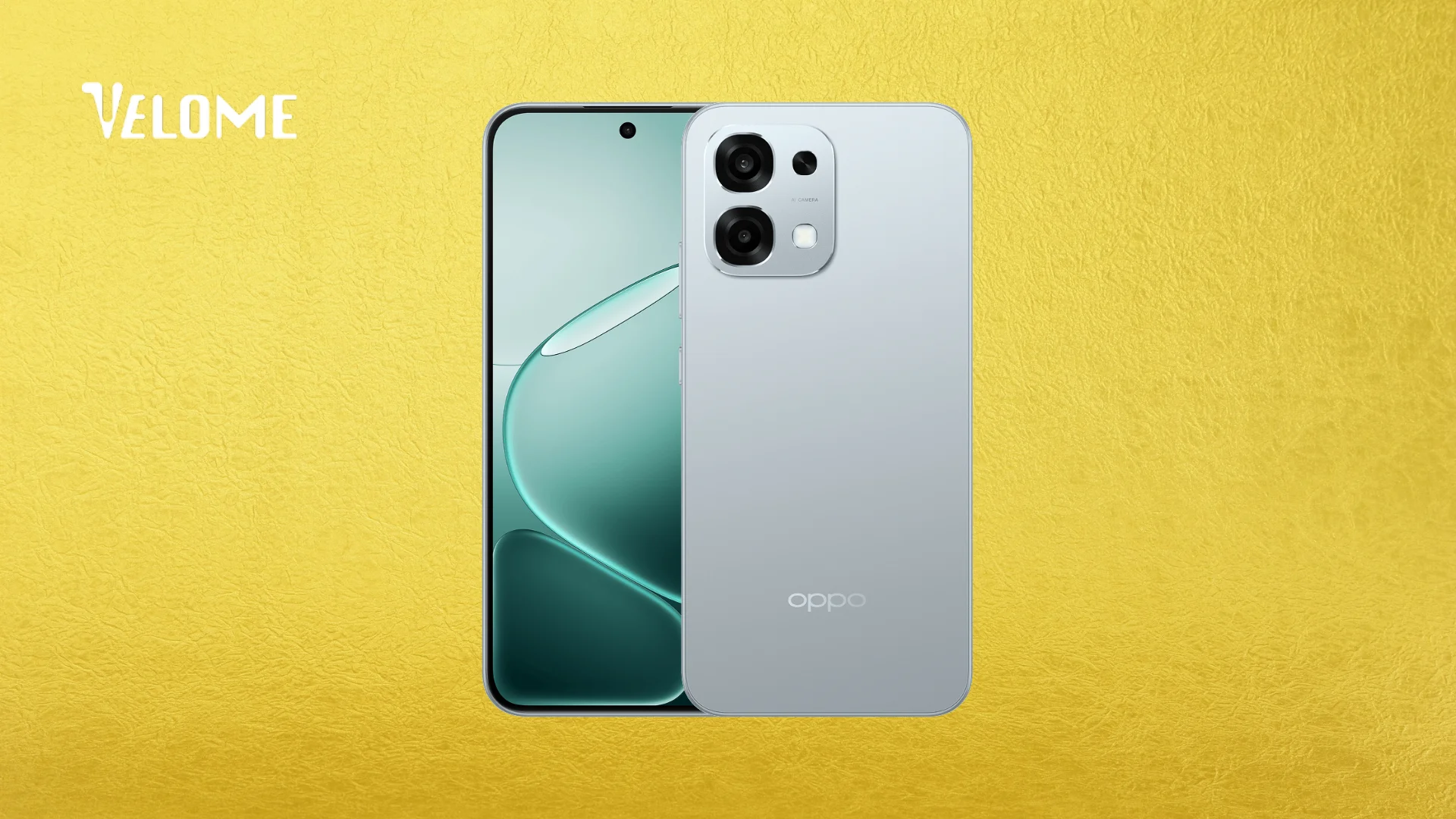
Find Series (Flagship)
| Series | Models |
|---|
| Find X9 Series | Find X9, Find X9 Pro |
| Find X8 Series | Find X8, Find X8 Pro |
| Find X5 Series | Find X5, Find X5 Pro |
| Find X3 Series | Find X3, Find X3 Pro |
Find N (Foldables)
| Series | Models |
|---|
| Foldables | Find N5, Find N3, Find N3 Flip, Find N2 Flip |
Reno Series
| Series | Models |
|---|
| Reno 15 Series | Reno 15, Reno 15 Pro 5G |
| Reno 14 Series | Reno 14, Reno 14 Pro 5G |
OPPO Find X3 and newer support eSIM
Vivo – eSIM supported models
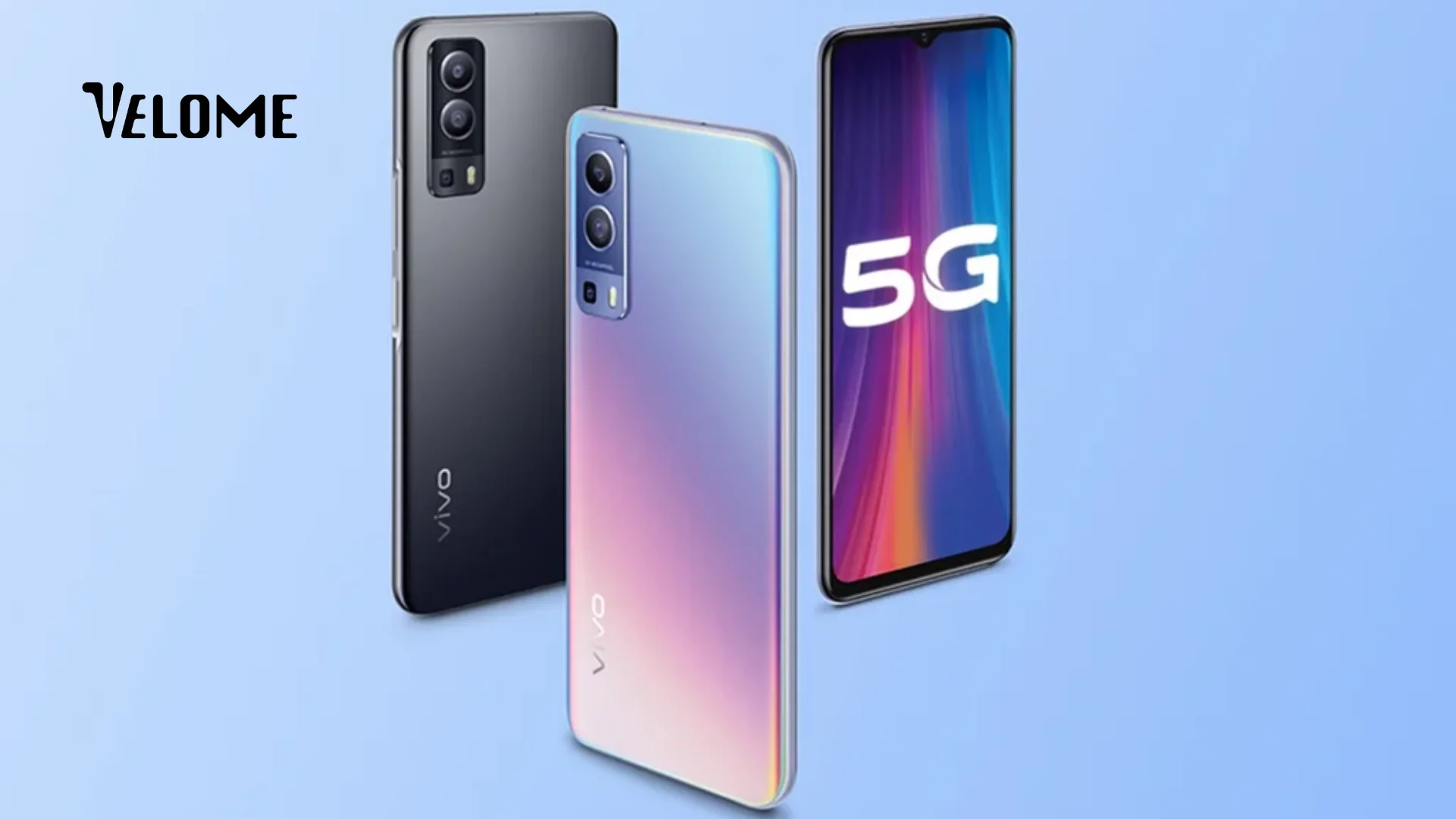
| Series | Models |
|---|
| Vivo X300 Series (2025) | Vivo X300, Vivo X300 Pro |
| Vivo X200 Series (2024) | Vivo X200, Vivo X200 Pro, Vivo X200s, Vivo X200 FE |
| Vivo X100 Series (2023) | Vivo X100, Vivo X100 Pro |
| Vivo V40 Series (2024) | Vivo V40, Vivo V40 Lite, Vivo V40 SE |
| Vivo X90 Series | Vivo X90 Pro |
Vivo X100 and newer support eSIM
Sony Xperia – eSIM supported models
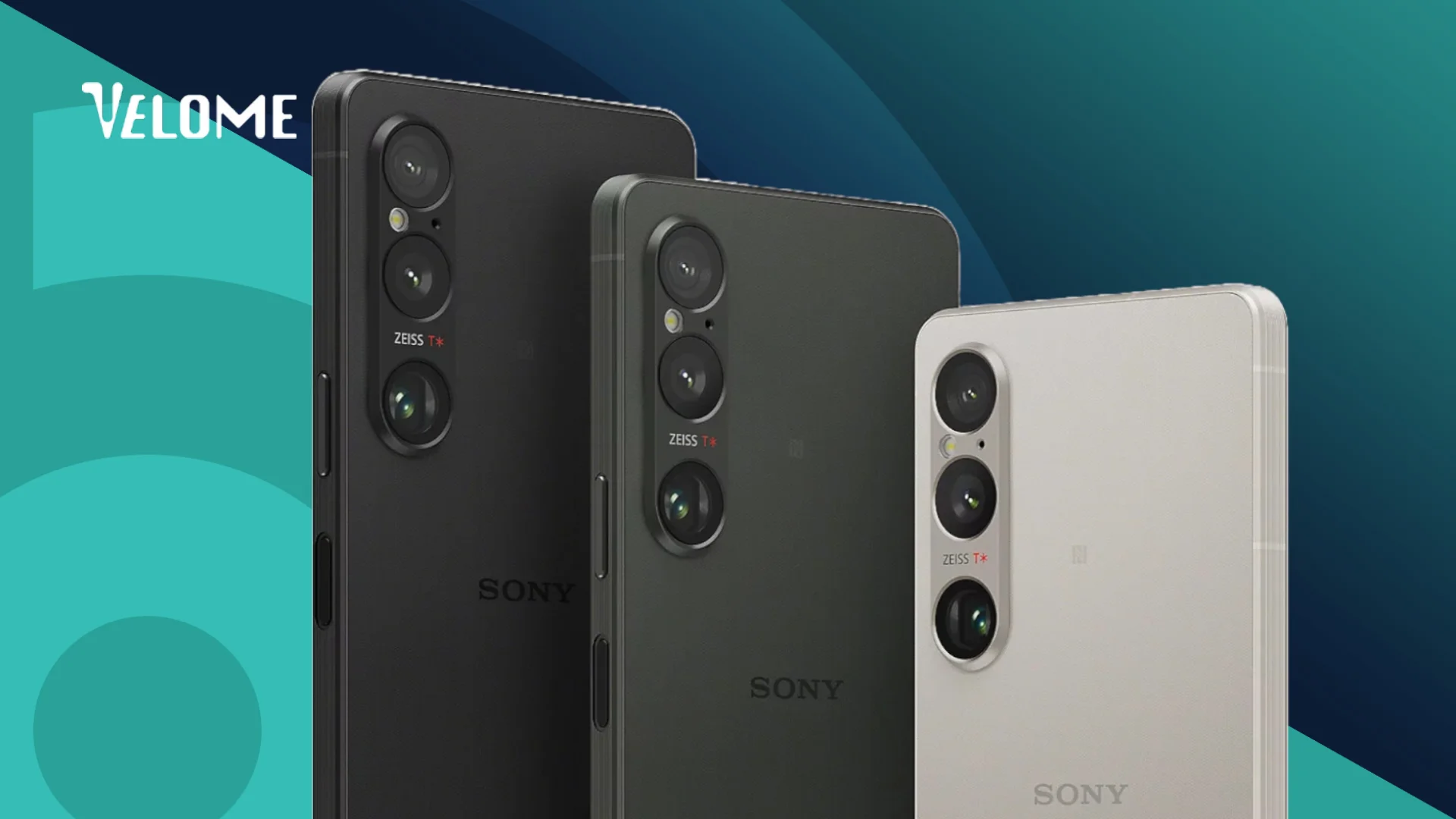
| Series | Models |
|---|
| Xperia 1 | Xperia 1 VI, Xperia 1 V, Xperia 1 IV |
| Xperia 5 | Xperia 5 V, Xperia 5 IV |
| Xperia 10 | Xperia 10 VI, Xperia 10 V |
Other Brands – eSIM supported

| Brand | Models |
|---|
| Nothing Phone | Nothing Phone 3, Nothing Phone 3 Pro, Nothing Phone 3a Pro |
| Honor | Honor Magic 8 Pro, Honor Magic 6 Pro, Honor Magic 5 Pro, Honor 200 Pro |
| Realme | Realme 13 Pro, Realme 13 Pro+ 5G |
| Huawei | Huawei Pura 70 Pro, Huawei Mate 40 Pro, Huawei P40, P40 Pro |
Important notes you should know
- Most eSIM phones in India still have a nano-SIM slot too
- eSIM support also depends on your carrier (Jio, Airtel, Vi) and region
- Chinese phones (some Xiaomi, OPPO models) may not support eSIM even if the same model does in India
- eSIM activates via QR code or activation code (no physical card needed)
- You can have 2–4 eSIM profiles on most phones
Your phone’s ready for eSIM, are you?
So now you know how to check if your phone supports eSIM. Pretty simple, right?
If your phone already supports it, that’s great news! You can say goodbye to physical SIM cards, cutting them to fit, or worrying about losing them every time you change phones.
And if your phone doesn’t support eSIM yet, no worries. Most new phones now come with it by default, so your next upgrade will definitely have it.
The thing is, eSIM makes life easier. You can set up your connection in minutes, switch networks easily, and even keep multiple numbers without juggling SIM trays.
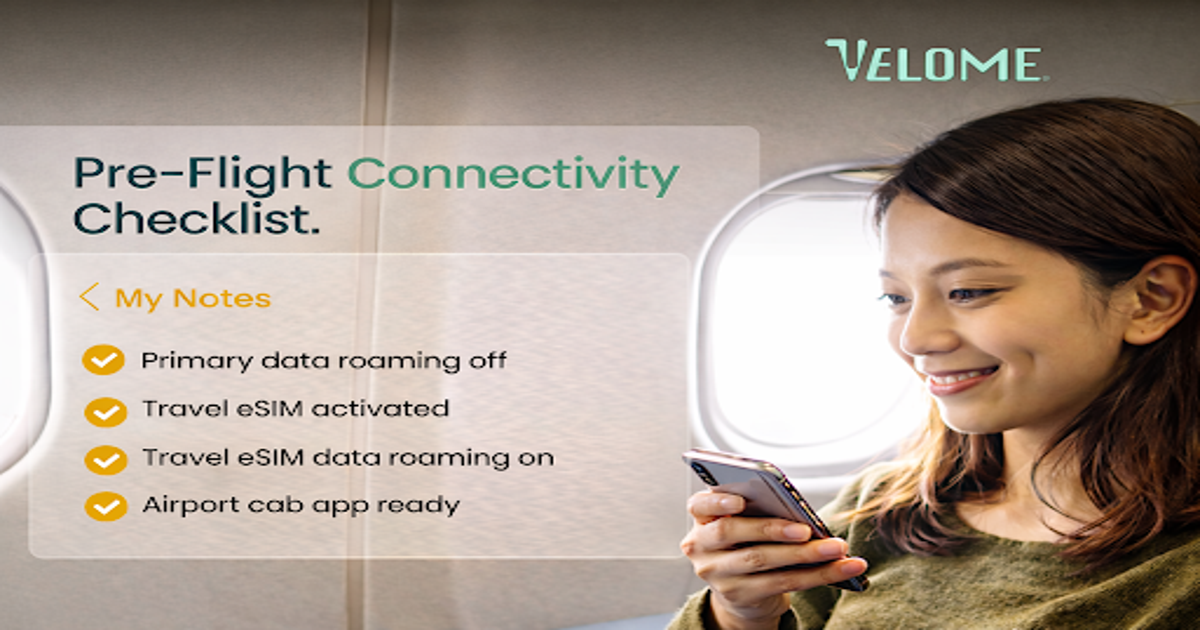
And if you’re someone who travels (even just once in a while), that’s where Velome makes things even simpler.

Velome partners with local networks across 200+ destinations to give Indian travelers fast, reliable, unlimited internet without any roaming stress, and hidden charges.
Your phone already supports eSIM. Now make it simple, activate Velome before your trip, and stay connected everywhere.
Because sometimes, small things like eSIM (and the right connection) make a big difference.
Frequently asked questions about eSIM mobile support
Can I have both eSIM and physical SIM at the same time?
Yes, you can! Most phones that support eSIM come with a hybrid setup. This means you can use one nano-SIM and one eSIM together, which is the most common setup in India. Some newer phones like the iPhone 15 series and Samsung S24 series even let you use two eSIMs at the same time. So, you can have two numbers on one phone without needing two devices.
Is eSIM secure?
Absolutely! In fact, eSIM is more secure than a physical SIM card. It’s built into your phone, so it can’t be stolen, damaged, or lost. It’s also encrypted and tied to your specific device. You control all activations directly from your phone, and if your phone ever gets lost, you can easily report it and deactivate the eSIM remotely.
What happens if I lose my phone with eSIM?
Don’t worry, your data stays safe. If you lose your phone, just contact your eSIM provider immediately. They can deactivate your eSIM remotely so no one can misuse it. Once you get a new phone, you can reactivate the same eSIM profile easily. Since eSIMs are encrypted, your information remains protected.
Can I have multiple eSIMs on one phone?
Yes, you can. The number of eSIMs you can use depends on your phone model. Newer phones like iPhone 15 and Samsung S24 allow two eSIMs to be active at the same time. Older models usually support one active eSIM, but you can store 4–5 eSIM profiles and switch between them through your settings whenever needed.
Do I need a new phone plan for eSIM?
No, you don’t need a new plan. Your current mobile plan will continue as usual; only the SIM format changes from physical to digital. However, if you’re planning to trip abroad and want to use a travel eSIM for better data rates, you can buy a separate travel plan from providers like Velome, which offers fast, unlimited internet across 200+ destinations.
 April 29, 2026
 April 23, 2026
 December 19, 2025
 December 19, 2025
 December 16, 2025
 November 4, 2025
 November 4, 2025
 November 3, 2025
 November 3, 2025
 November 3, 2025